
DRESS HIRE BUSINESS GUIDE
How to Create a Manual Rental Booking
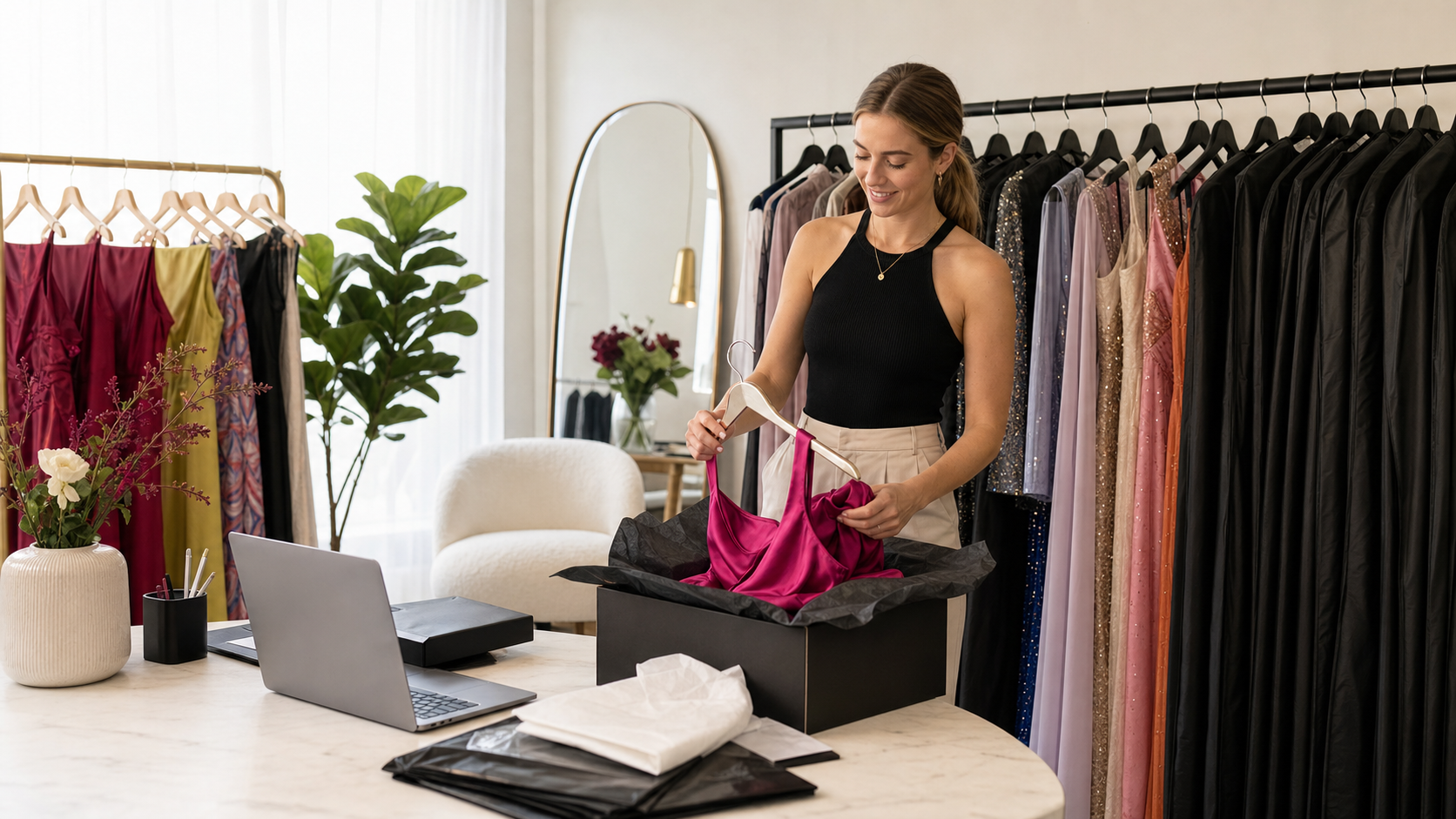
Manual bookings let you reserve rental inventory without requiring the customer to complete the standard online booking flow.
When to use a manual booking
Use it for bookings taken through Instagram DM, phone, email, in-store payments or imported/offline reservations.
Create the booking
- Open The Dress Rental App and start a new manual booking.
- Select the correct rental product and variant.
- Enter the customer's details.
- Add the rental dates and any relevant delivery or pickup information.
- Review the booking and save it.
Check availability first
Before confirming the booking, make sure the item is available for the requested dates. Creating manual bookings in the app allows those dates to be included in future availability calculations.
Keep records consistent
Use the same customer details and date conventions you use for online bookings. This makes upcoming rentals, returns and reporting easier to manage.
Tip: Avoid keeping confirmed offline rentals only in a diary or DM thread. Add them to the app so the storefront cannot accidentally accept a conflicting booking.