
DRESS HIRE BUSINESS GUIDE
Setting Up Try-On Appointments
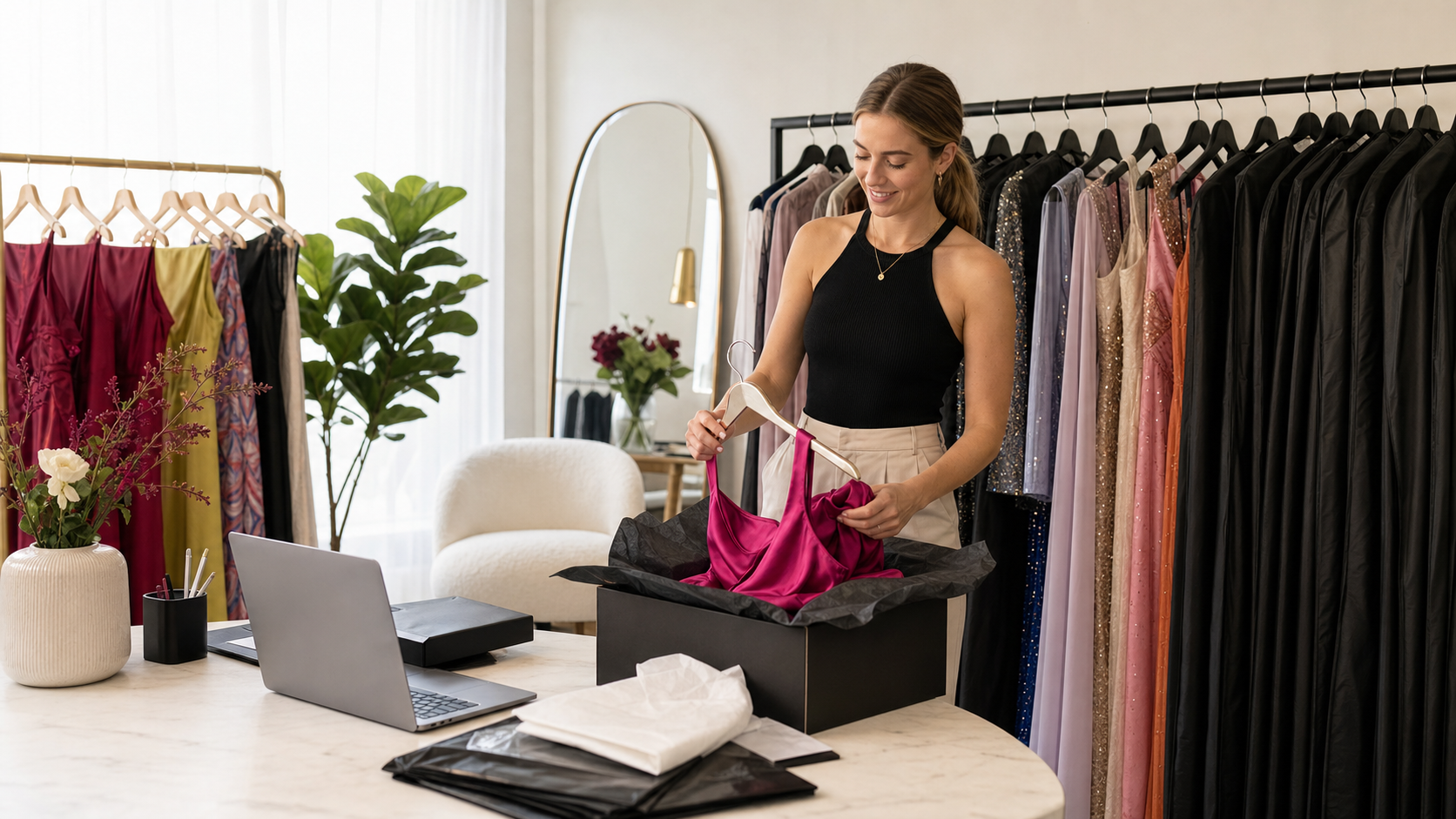
Try-on appointments let customers reserve a time to view or try garments before committing to a rental.
Choose your appointment settings
Configure the appointment duration, any buffer between appointments, maximum bookings per time slot, minimum notice period and how far in advance customers can book.
Set realistic availability
Only offer times when someone can actually manage the appointment. Leave enough buffer for customers arriving late and for resetting the space between sessions.
Link relevant products
If your try-on workflow allows customers to nominate dresses, make sure the appropriate rental products are available for selection.
Review customer instructions
Explain where the appointment takes place, how long it lasts, any fee that applies and what customers should bring.
Test the booking flow
Create a test appointment and check that the date, time, customer details and selected products appear correctly in your try-on calendar.
Tip: A short minimum-notice period may increase bookings, but it can also make it difficult to prepare garments that are currently out on hire.